Transcribe podcasts from links or RSS
Paste a public episode URL from Apple Podcasts, Spotify, or Xiaoyuzhou, or an RSS feed URL, to generate a timestamped transcript in your browser.
LangBox downloads the episode's public audio only to transcribe it, then deletes the audio. The transcript stays in your account.
Source rules and transcription limits
- Requires public podcast audio; Spotify links work only when the show publishes a public RSS feed, not on exclusive or private audio.
- Guests can transcribe 2 episodes per day (up to 60 min each); signed-in users get up to 3 hours per episode and speaker labels up to 75 min.
- Transcripts are generated by AI and may contain recognition or speaker-label errors on noisy or overlapping audio.
Your timestamped podcast transcript
Real Studio screenshots: read the transcript, practise listening, and shadow each sentence.
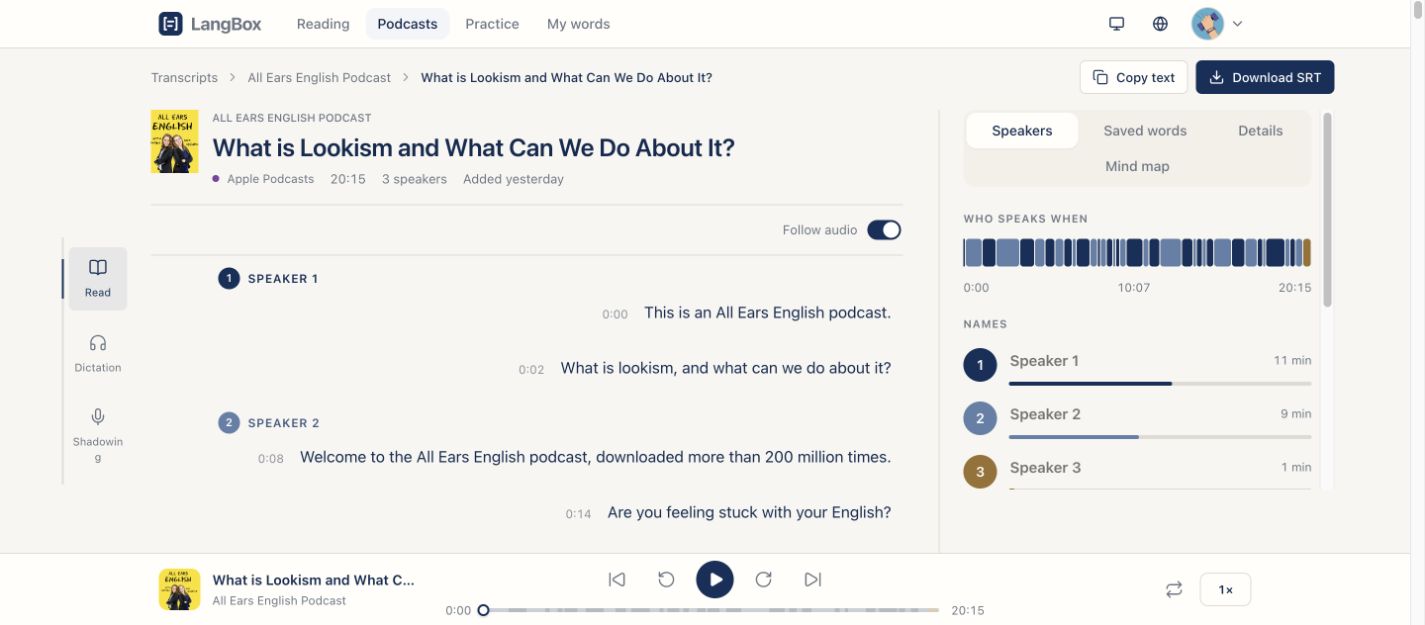
LangBox PodcastsRead along with speakers and timestamps
Follow the transcript, identify speakers, and return to the audio from a timestamp. Bilingual reading is available when your native language differs from the audio.
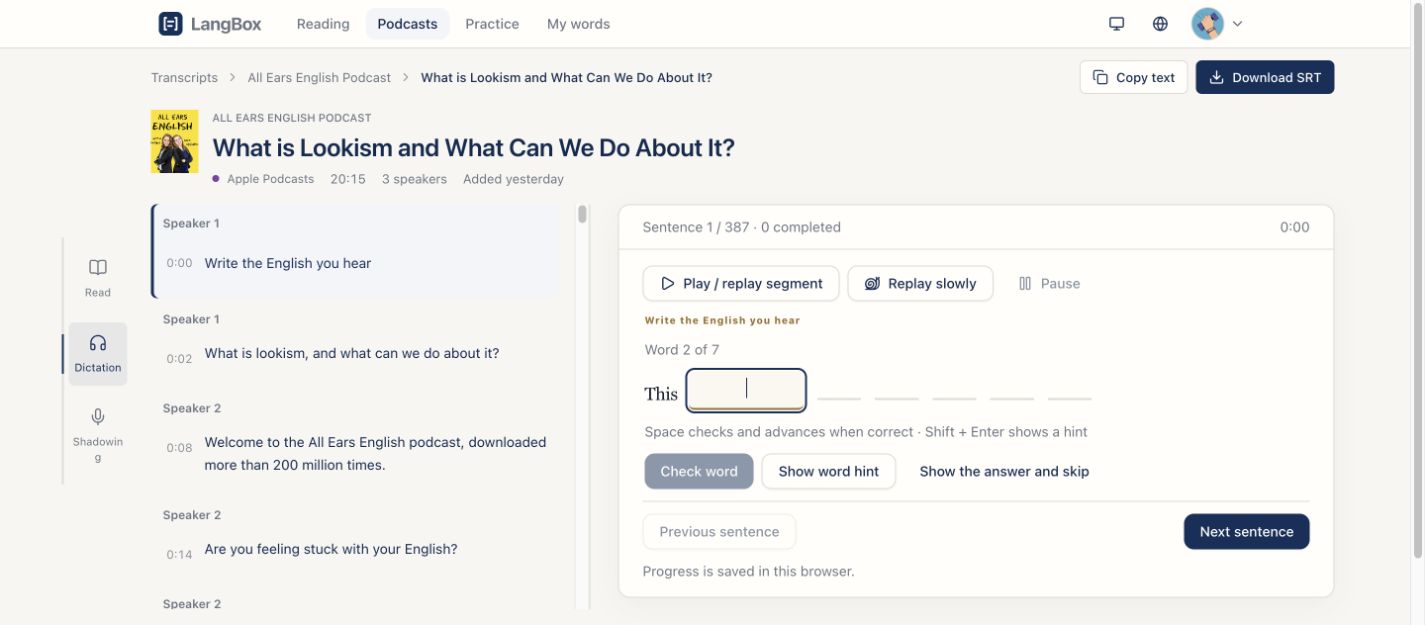
Practise listening, one word at a time
Replay a sentence, type what you hear, and check each word. Use hints or slow playback when needed.
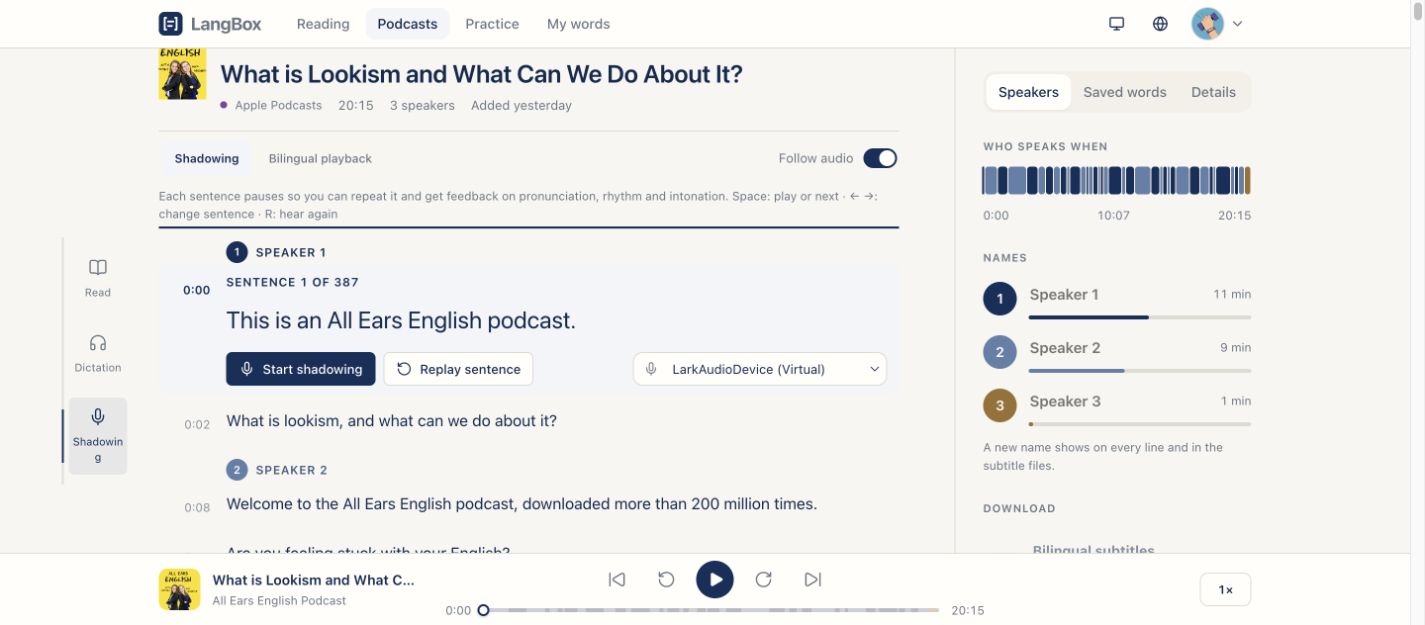
Shadow the original speaker
Work through the podcast sentence by sentence, replay the original, and use the shadowing controls to practise speaking.
How to transcribe a podcast episode
Paste an episode link or RSS feed
Enter a public episode URL from Apple Podcasts, Spotify, or Xiaoyuzhou, or paste an RSS feed link.
Select an episode and start transcription
Pick an episode if prompted and start processing; timestamped paragraphs appear as transcription progresses.
Copy or download the transcript
Read the transcript in your browser, copy the text, or download a .txt file with or without timestamps.
Questions
- Which languages are supported?
- English, Chinese, Japanese, Korean, French and Spanish are recognized well, and the language is detected automatically. Episodes that mix two languages work too.
- Is it free?
- Without an account you can transcribe 2 episodes a day, each up to 60 minutes. With a Google account you get episodes up to 3 hours and a more accurate model; it uses your credits, and new accounts get free credits.
- Where do I find a podcast's RSS feed?
- Most podcast apps show it under “Share” or in the show's details. You can also paste the show's Apple Podcasts page: LangBox reads its feed for you.
- Why can't Spotify-only shows be transcribed?
- Spotify protects its own audio. A Spotify link works when the same show is also published with a public RSS feed, which is true for most shows.
- Do you keep the audio?
- No. The audio is downloaded only to transcribe it and is deleted right after. The transcript is saved in your account so you can open it again.
Keep learning after this tool
These tools handle one file at a time. The free LangBox Chrome extension brings the same translation to everything you read and watch, and saves new words for review.
- Translate web pagesTranslation under each paragraph
- YouTubeDual subtitles, transcript and dictation
- Dictionary & word reviewDouble-click a word, review it later