How to translate a PDF and check the result
Translate a PDF in LangBox and read each translated page beside the original, so the layout, tables and figures stay in view. Large PDFs up to 100 MB are translated page by page. Before you upload, check whether the page contains real text or just a picture of text: that determines whether you need OCR, and avoids paying to translate a file that cannot be read correctly.
Choose a format and prepare your reading
PDF keeps fixed pages and is useful when page layout matters. EPUB usually reflows its text when you enlarge the font, so it is often easier for long reading on a small screen. Image-only or fixed-layout ebooks may not reflow. OCR means turning a picture of text into selectable words; it does not translate. DRM means access protection that requires an authorised reader.
Start on a phone or tablet
Download the original sample first. Open an EPUB in an EPUB-compatible reading app using your device’s file/share menu; if the browser only downloads it, that is normal. Use the app’s font-size controls. In the LangBox web reader, sign in, select the translation language, then choose the EPUB from Files or Downloads. Use the chapter directory above the text on narrow screens and Translation mode to show only the translation. For PDF tables, a larger screen helps you compare columns. Desktop OCR commands are not phone instructions.
Before sharing a file
LangBox uploads and processes document content online. Do not upload confidential files or paste their text into an unapproved translator. Use a local reader/OCR tool or your organisation’s approved service instead. Local OCR and calibre repair do not themselves translate. A permitted, unprotected copy is needed; changing a filename does not remove DRM.
Understand token credits before uploading
The PDF and EPUB upload screens show your account token balance and the default model, with a refresh button. A balance is not a document quote. There is currently no reliable per-file price preview or hard spending cap. Tokens are pieces of text, not words or pages; input, output and additional model work affect usage.
Arithmetic example, not a file estimate: a request billed for 1,500 tokens consumes 1,500 credits at a 1× rate, or 5,625 at the current Gemini 3.8 Flash rate of 3.75×. Rounding is per request. These are account credits, not a currency price; a full book can involve many requests.
Unused reservations are returned. Requests recorded as failed release their reservations, but completed requests can remain charged even if the document later fails or is cancelled. Retries can consume more credits. Start with a permitted short excerpt or a small page range; do not assume cancellation refunds the whole job.
Choose the right method
Try one representative page
Open the PDF in a browser or PDF reader. Select a sentence, copy it and paste into a text editor. Use a page with columns or a table if your document has them. Check the reading order, punctuation and numbers. Being able to select a page-sized rectangle is not the same as selecting text.
Text copies correctly: translate a small part first
For a short passage, paste only the text you need into a translator you already use. Keep the original alongside it. For a full document, choose a document translator that supports your file size and desired output. Test a page before committing the whole file.
No text, or garbled text: run OCR first
OCR converts the picture of each page into selectable text. In an OCR-capable PDF editor, choose the document language and save a searchable PDF. Try copying the same sentence again. Rotate sideways pages and use a clearer scan if letters are missing. OCR is recognition, not translation.
Choose your output and verify it
Side-by-side reading helps you check meaning; a translated PDF is useful for sharing but may change line breaks. If exact layout matters, compare the original and output page by page. Keep the original file. Never treat a fluent translation as proof that tables, dates or quantities are correct.
Check your result
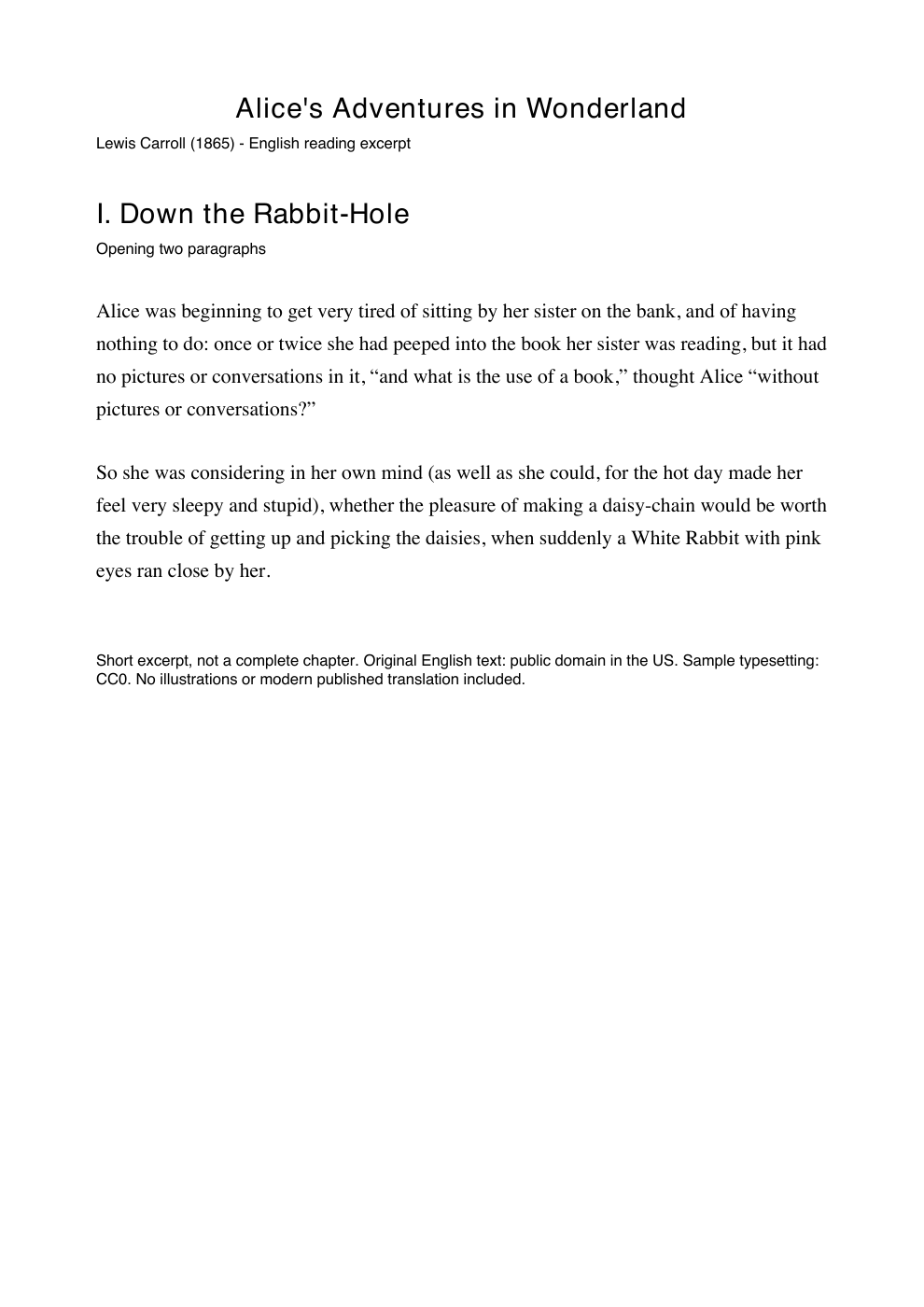
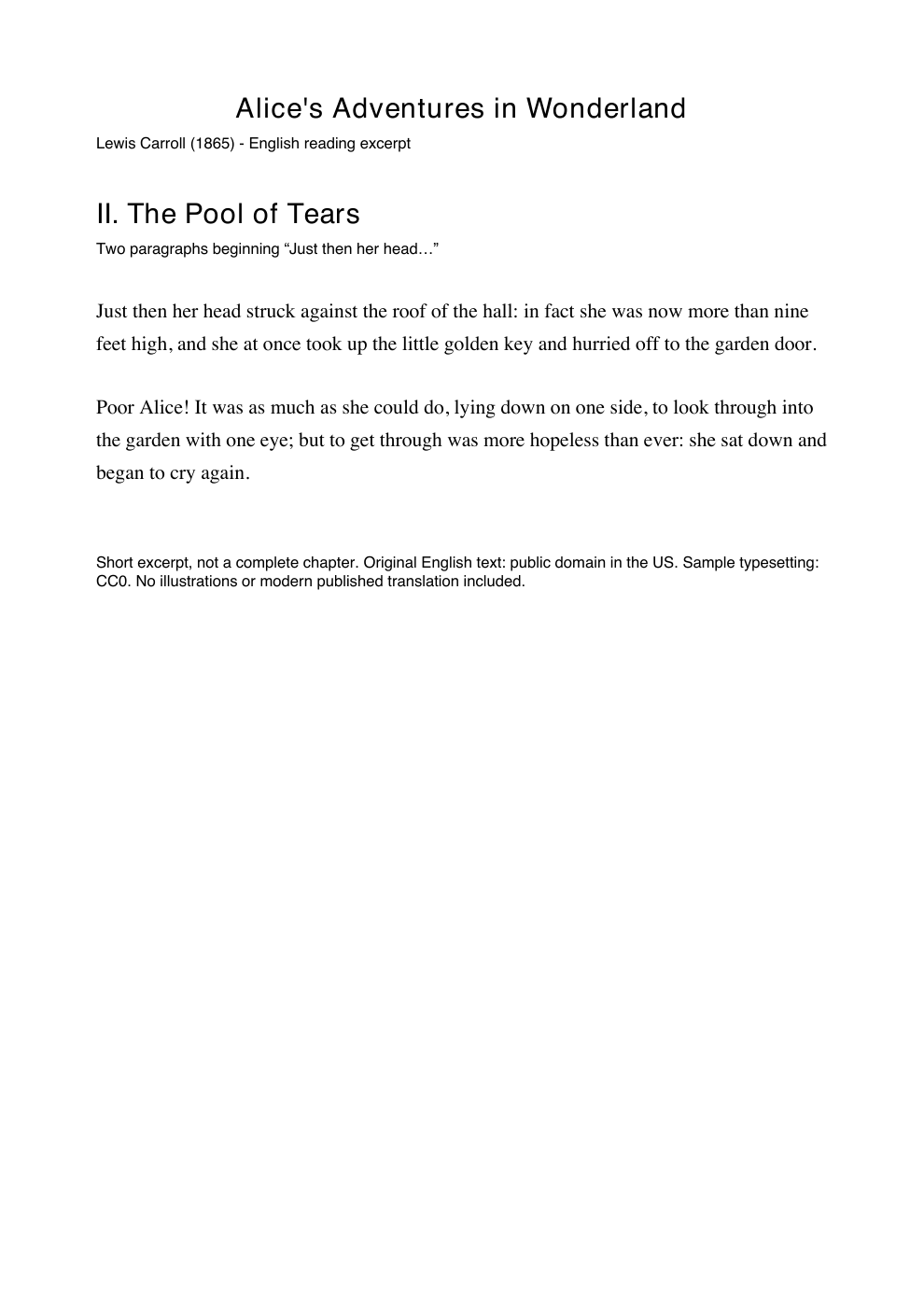
With the sample, copy the first sentence from the text PDF: it should start “Alice was beginning”. The image-only PDF intentionally has no text layer. After OCR, the same sentence should become selectable. In excerpt II, confirm “more than nine feet” remains a quantity and unit in the translation. These plain prose samples do not test tables, formulas or complex layouts.
If something goes wrong
The translation is empty
Copy text from that page. If it is blank, OCR it first; if only one page is blank, inspect that page individually. A PDF can mix scanned and selectable pages.
Columns, tables or footnotes are mixed up
Check the copied text’s order. Process one column or table at a time when the extracted order is wrong. Compare every table cell with its row and column headings; do not infer correctness from visual similarity.
Accents or symbols are wrong
Compare the copied original with the page image. Incorrect text before translation suggests an OCR or font-encoding problem. Re-run recognition with the correct source language or obtain a cleaner source.
The file is locked
Ask the owner for an unlocked copy you are permitted to use. Renaming a file or converting screenshots does not resolve access restrictions.
The job fails or is too large
Save a small page range in your PDF editor and test it. In LangBox, wait for or cancel the active job before another upload; check Settings for model credits and read the job error before retrying.
The file contains private information
Use a local OCR/editor or your organisation’s approved service. Uploading to an online translator sends document content to that service. The public examples here can be read and downloaded without sending your own file.
A local repair option
OCRmyPDF is a free command-line option for adding searchable text on your computer. After installing it and the English language data, run this in the folder containing the downloaded scan. Open the new file and copy the first sentence to check recognition. It performs OCR, not translation.
Optional command-line method
ocrmypdf -l eng --output-type pdf alice-scan.pdf alice-searchable.pdf
Read an example first
Two short English excerpts from Alice’s Adventures in Wonderland (1865), with prepared translations. No account, upload or credits needed. This is an edited reading example, not a live translation or a benchmark of LangBox output.
English → Español
I · Down the Rabbit-Hole (Excerpt)
Original · English
Alice was beginning to get very tired of sitting by her sister on the bank, and of having nothing to do: once or twice she had peeped into the book her sister was reading, but it had no pictures or conversations in it, “and what is the use of a book,” thought Alice “without pictures or conversations?”
Translation
Alicia empezaba a cansarse mucho de estar sentada junto a su hermana en la orilla y de no tener nada que hacer. Una o dos veces había mirado el libro que leía su hermana, pero no tenía dibujos ni conversaciones. «¿Y de qué sirve un libro —pensó Alicia— sin dibujos ni conversaciones?»
Original · English
So she was considering in her own mind (as well as she could, for the hot day made her feel very sleepy and stupid), whether the pleasure of making a daisy-chain would be worth the trouble of getting up and picking the daisies, when suddenly a White Rabbit with pink eyes ran close by her.
Translation
Así que estaba pensando (tan bien como podía, porque el calor le daba mucho sueño y la atontaba) si el placer de hacer una guirnalda de margaritas compensaría la molestia de levantarse a recogerlas, cuando de pronto pasó corriendo muy cerca de ella un Conejo Blanco de ojos rosados.
II · The Pool of Tears (Excerpt)
Original · English
Just then her head struck against the roof of the hall: in fact she was now more than nine feet high, and she at once took up the little golden key and hurried off to the garden door.
Translation
Justo entonces, su cabeza chocó contra el techo de la sala: en realidad, ya medía más de nueve pies de altura. Enseguida recogió la llavecita de oro y se apresuró hacia la puerta del jardín.
Original · English
Poor Alice! It was as much as she could do, lying down on one side, to look through into the garden with one eye; but to get through was more hopeless than ever: she sat down and began to cry again.
Translation
¡Pobre Alicia! Tumbada de lado, apenas conseguía mirar al jardín con un solo ojo; pero atravesar la puerta era más imposible que nunca. Se sentó y empezó a llorar de nuevo.
Compare the PDF page image with the text
Source and reuse details
Lewis Carroll · 1865. The original English text is public domain in the US. New sample formatting and translations are released under CC0. No modern published translation or illustrations are included. Public-domain status can differ by country.
Find the complete original book · Project Gutenberg #11CC0Source and reuse details (English)
Learning Spanish? Read a Spanish → English example
This newly authored, AI-assisted short story and prepared English rendering are released under CC0. They demonstrate reading in this direction; they are not live LangBox output.
La biblioteca
Lucía llegó a la biblioteca a las nueve. No buscaba un libro nuevo: quería devolver una novela y preguntar por el club de lectura.
Lucía arrived at the library at nine. She was not looking for a new book: she wanted to return a novel and ask about the reading club.
La bibliotecaria le explicó que el grupo se reunía el jueves, no el martes. Lucía anotó la fecha antes de salir.
The librarian explained that the group met on Thursday, not Tuesday. Lucía wrote down the date before leaving.
El camino
Al día siguiente, Lucía caminó doce kilómetros junto al río. Llevaba agua y un libro pequeño, pero no tenía prisa.
The next day, Lucía walked twelve kilometres beside the river. She carried water and a small book, but she was in no hurry.
Al llegar al puente, abrió el libro por el capítulo dos. Leyó durante quince minutos y dejó una nota para recordar dónde continuar.
When she reached the bridge, she opened the book at chapter two. She read for fifteen minutes and left a note to remember where to continue.
Check “el jueves, no el martes”: the meeting is on Thursday, not Tuesday. Keep the twelve-kilometre distance separate from the fifteen-minute reading time. In the EPUB reader, choose English before uploading the Spanish source.
Spanish source EPUB · two short chaptersSource and CC0 details